
MCP server
Let your agent install it
Paste this into Claude Code, Codex or Cursor. The agent adds the server and the verification rule for you, following Setup (Agents):
Install the Satori MCP server by following https://docs-v2.satori.ci/modes/mcp/setup-agents.mdAbout the server
satori-mcp is a local Model Context Protocol (MCP) server over stdio. AI agents such as Claude Code, Codex, and Cursor can use it to run playbooks, inspect executions, and read findings through your existing Satori credentials. It runs straight from GitHub with npx (Node.js 22 or later), so there is nothing to install:
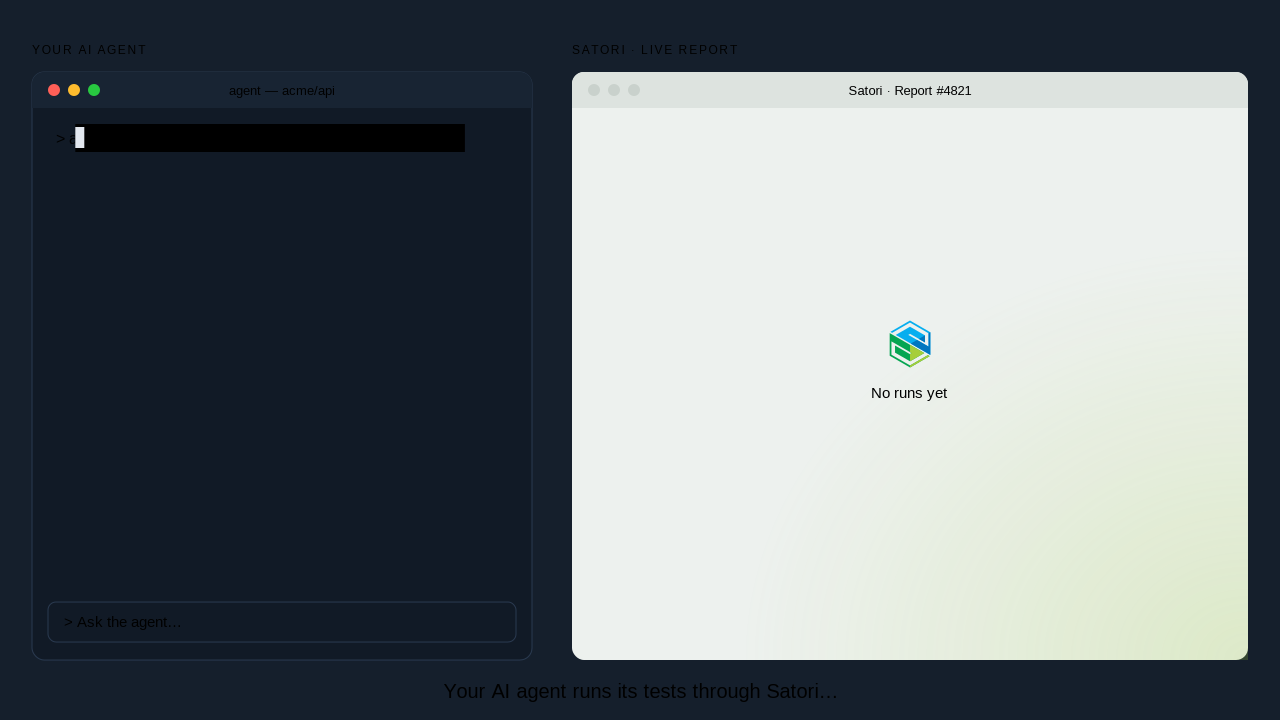
npx -y github:satorici/satori-mcpYour agent reports "tests pass"; Satori shows you which tests it ran — every command, assertion and output — live in the web report:
The server needs a Satori API token. Get one with login. It opens the dashboard, where you approve a token for this computer. The dashboard sends the token to login, which checks it and stores it in ~/.satori_credentials.yml. You never copy the token:
npx -y github:satorici/satori-mcp loginThe token is named MCP (<hostname>) and expires after 90 days unless you choose otherwise when you approve it. Run login again to replace it. You can revoke it in the dashboard under API tokens.
The token can run and read jobs, reports, findings, advisories and SSH sessions, and change settings, saved parameters, secrets and organizations. It cannot create or revoke API tokens. Do that in the dashboard. A token created before settings and organizations had write access is refused there: run login again.
On a machine without a browser, create a token under API tokens and run login --paste. It asks for the token without showing it. You can also pipe the token on stdin.
You do not need the Satori CLI. If you use it, both share that file, so a token saved with satori-v2 config token works too. Add --profile NAME to login to save the token on another profile. SATORI_TOKEN and SATORI_PROFILE in the server's environment override the file (see below).
Configure your agent
To set it up by hand instead, add the server to your agent's MCP config. The agent launches it itself — stdout is the protocol channel, so do not pipe or redirect it. The first start builds the package from GitHub (about 20 seconds); later starts use the npm cache.
Your agent may skip the Satori tests
Connecting the MCP server does not make the agent use it. Agents often fall back to a familiar shell command (pytest, npm test) and skip the Satori checks. If that happens, add a project rule that tells the agent to verify through Satori: see Agent rules.
Claude Code
claude mcp add --scope user satori -- npx -y github:satorici/satori-mcpOr write a project .mcp.json (and commit it for the team):
{
  "mcpServers": {
    "satori": { "command": "npx", "args": ["-y", "github:satorici/satori-mcp"] }
  }
}
Next: add the Claude Code rule so the agent does not skip the Satori tests.
Codex
codex mcp add satori -- npx -y github:satorici/satori-mcpOr add to ~/.codex/config.toml (or a trusted project's .codex/config.toml):
[mcp_servers.satori]
command = "npx"
args = ["-y", "github:satorici/satori-mcp"]
Next: add the Codex rule so the agent does not skip the Satori tests.
Cursor
In .cursor/mcp.json or global MCP settings:
{
  "mcpServers": {
    "satori": { "command": "npx", "args": ["-y", "github:satorici/satori-mcp"] }
  }
}
Next: add the Cursor rule so the agent does not skip the Satori tests.
CI or no credentials file
In CI, or on machines where you cannot run login, pass the token in the agent's env block. Cursor, Claude Code (.mcp.json), and similar JSON configs:
{
  "mcpServers": {
    "satori": {
      "command": "npx",
      "args": ["-y", "github:satorici/satori-mcp"],
      "env": {
        "SATORI_TOKEN": "YOUR_TOKEN"
      }
    }
  }
}
Codex (~/.codex/config.toml or a trusted project's .codex/config.toml):
[mcp_servers.satori]
command = "npx"
args = ["-y", "github:satorici/satori-mcp"]

[mcp_servers.satori.env]
SATORI_TOKEN = "YOUR_TOKEN"
Versions and updates
npx caches git installs, so a config keeps running the version it first downloaded. Pin a release or commit with github:satorici/satori-mcp#<tag-or-sha>, and to pick up the latest main clear the cache (npm cache clean --force).